Construction Safety
PPE and zone rules on-site
Hard-hat, vest, and restricted-zone detection with alerts to the site team.
ExploreAtomVision delivers Video AI analytics through the AI Edge Analytic Box — an on-premise appliance that connects to existing IP cameras via ONVIF. Applications include construction safety (PPE and zone detection), shopping mall people counting, traffic monitoring with LPR, and enterprise facial recognition with consent-first controls.
Catalog appliances: Standard (RK3568, up to 4 AI streams, $299) and Professional (RK3588, up to 16 AI streams, $799). Enterprise is on-premise on custom hardware. Inference runs on the edge box; optional cloud dashboard for multi-site viewing and search.
AtomVision’s AI Edge Analytic Box runs construction safety, people counting, traffic monitoring, and facial recognition on existing ONVIF or RTSP cameras. Standard handles up to 4 AI streams; Professional up to 16. Inference stays on-site (RKNN); add the cloud dashboard only if you need multi-site ops.
AtomVision is edge Video AI on the AI Edge Analytic Box. Plug the appliance into your LAN, connect existing ONVIF or RTSP cameras, and enable construction safety, people counting, traffic monitoring, or facial recognition. Inference uses the on-device NPU (RKNN). Standard covers up to 4 AI streams ($299); Professional up to 16 ($799). Add the cloud dashboard only if you need multi-site ops.
Built for security and operations teams in retail, healthcare, logistics, and property
Names above are illustrative sector examples, not a customer list.
Install the AI Edge Analytic Box, then enable the modules that match the site. Each suite is meant for a specific camera layout and alert workflow.
PPE and zone rules on-site
Hard-hat, vest, and restricted-zone detection with alerts to the site team.
Explore
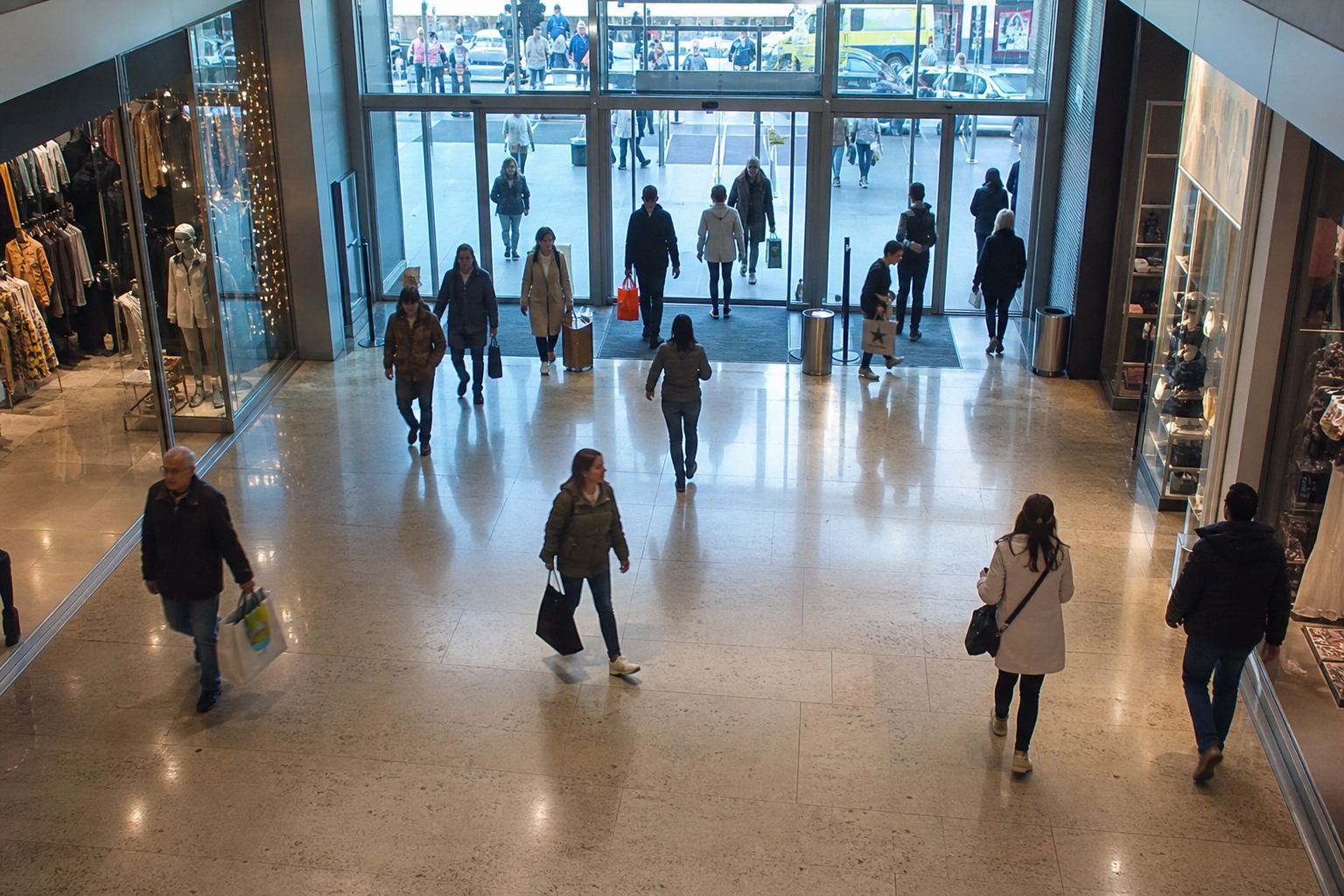
Footfall at doorways
Entrance counts, occupancy estimates, and heatmaps for shopping centers. Accuracy depends on camera angle.
Explore
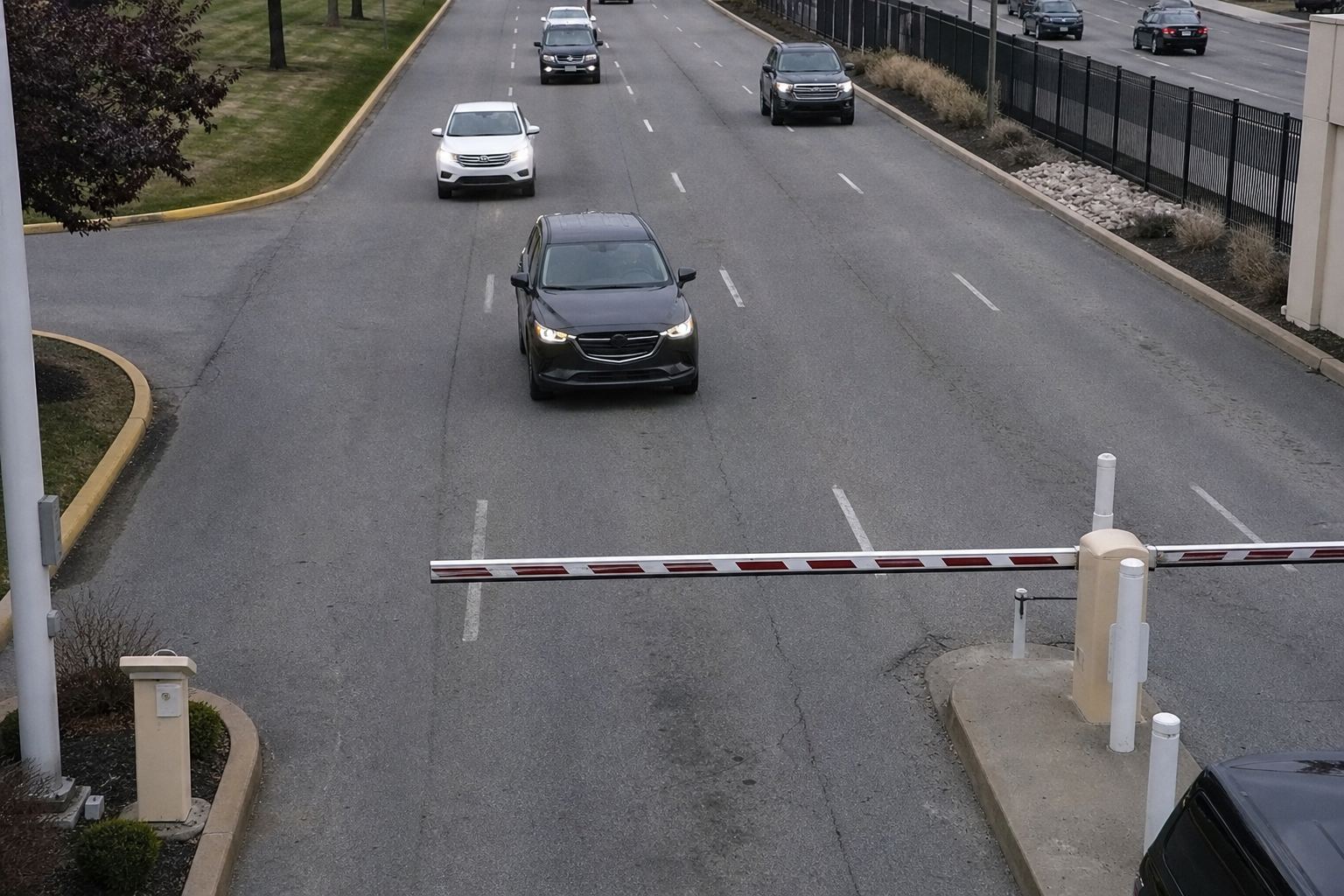
Lane-level flow & LPR
Vehicle counts, incident flags, and optional gate plate reads processed on the edge box.
Explore
Watchlist & access control
Match faces to allow/deny lists with consent-first enterprise deployment.
ExploreAtomVision Vision Engine runs on the AI Edge Analytic Box — RKNN models on the on-device NPU, local alert rules, and optional cloud analytics for search and long-term trends.
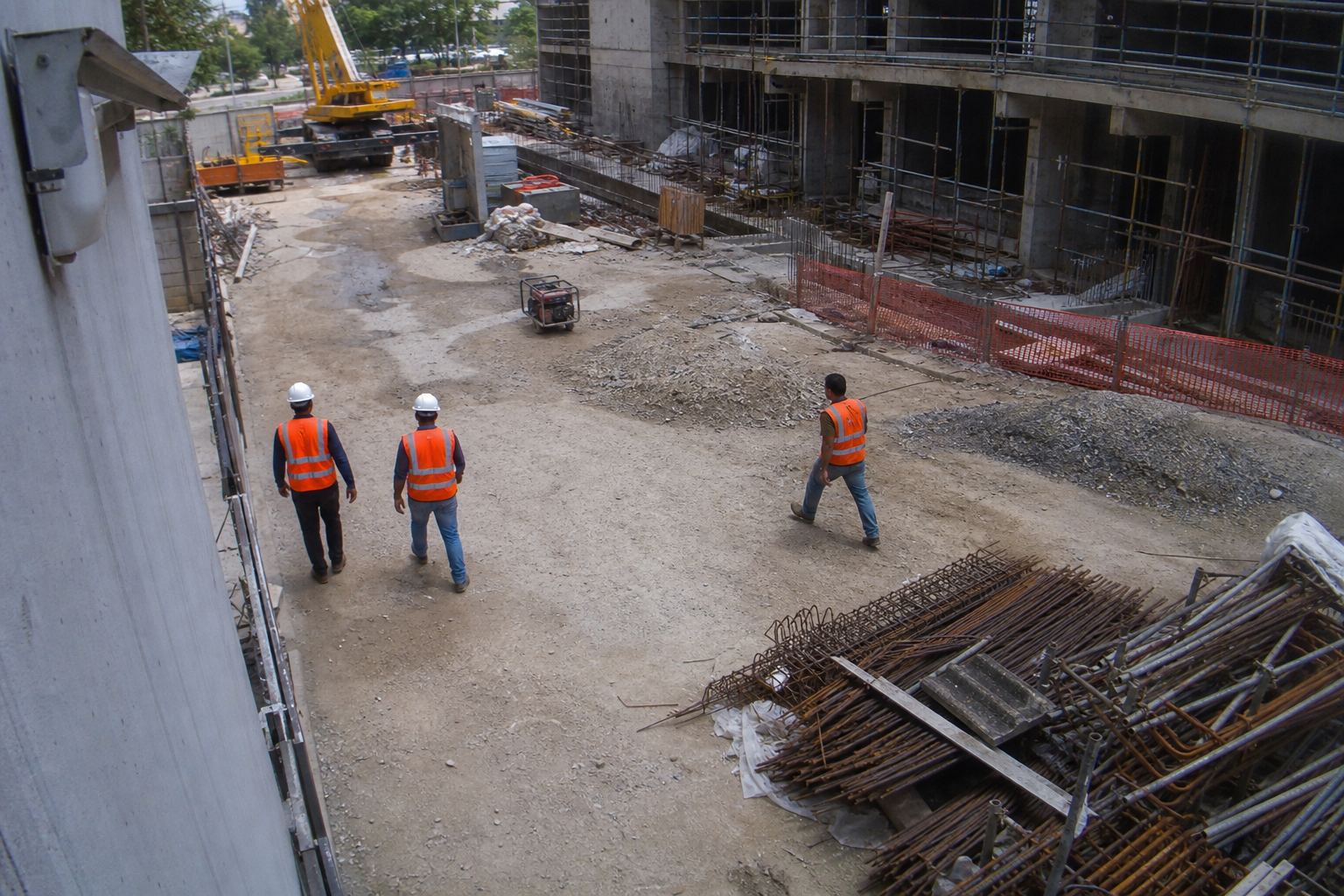
PPE, restricted zones, perimeter intrusion — alerts before cloud round-trip.
Entrance footfall, floor occupancy, heatmaps, and capacity alerts.
Lane counts, incidents, and gate LPR on the same edge appliance.
Watchlist matching and access control with consent-first deployment.
All models run on the AI Edge Analytic Box NPU (RKNN). Customer video is never used to train shared models.
Connect the box to your LAN, point it at ONVIF or RTSP cameras, and run Video AI locally. Alerts are decided on the appliance. Cloud sync is optional, for dashboards and search.

Single entrance, small site, pilot deployments

Malls, job sites, traffic corridors
On-premise deployment. Hardware is specified with your site — not a catalog appliance.
On-premise deployment on customized hardware
"The useful change is getting a clip when a zone rule fires, instead of asking someone to rewind a recorder after the fact. Results still depend on camera placement and how the site is run."
Also available
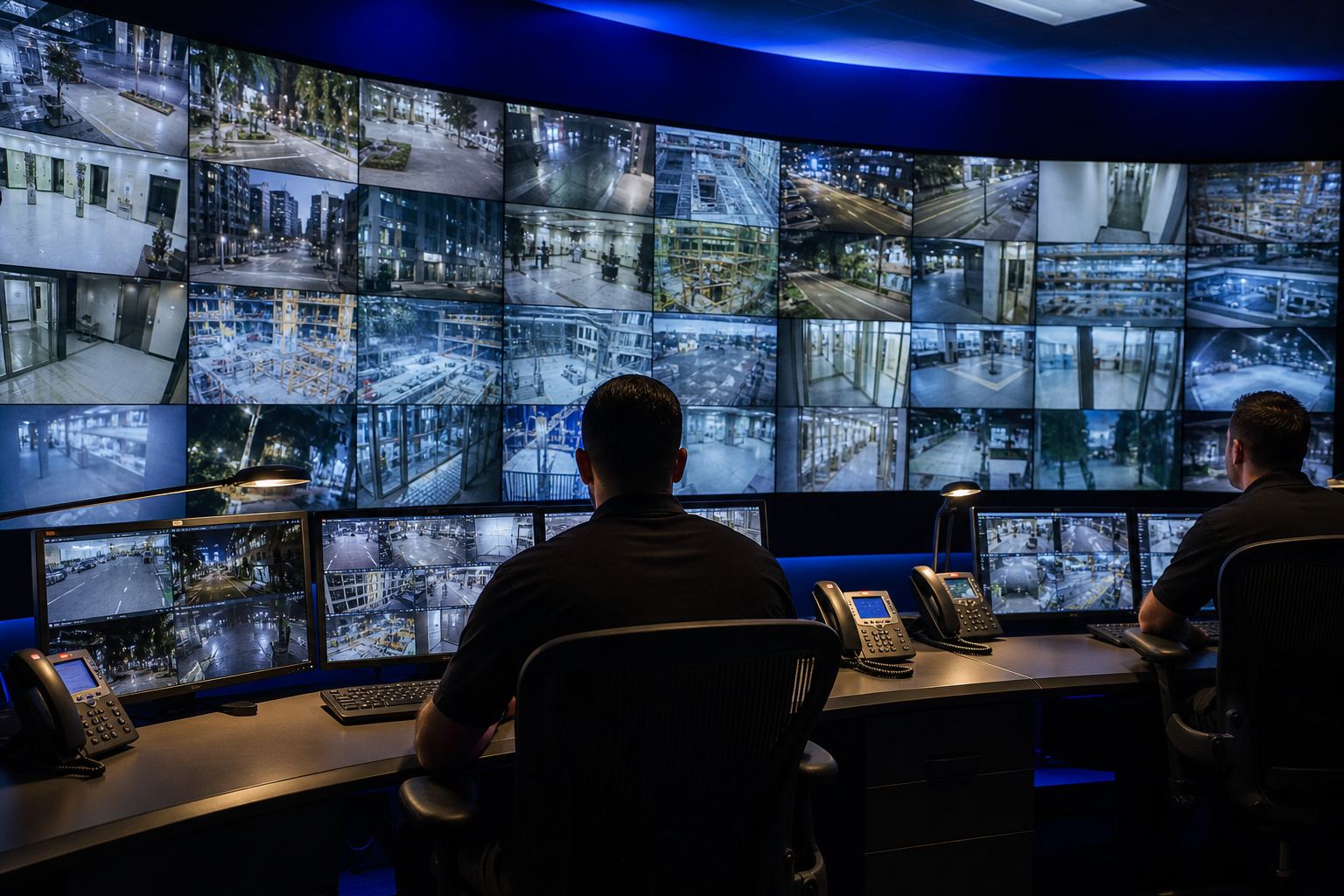
Optional AtomVision cloud dashboard for live walls, investigations, and semantic video search — synced from your edge boxes when you need central ops.
Straight answers about the edge box, streams, and when you need the cloud.
AtomVision is edge Video AI on the AI Edge Analytic Box. The appliance connects to existing ONVIF or RTSP cameras and runs construction safety, mall people counting, traffic monitoring, and facial recognition on-site. An optional cloud dashboard is available for multi-site viewing and search.
Yes. The edge box ingests ONVIF Profile S/G/T and RTSP streams from brands such as Hikvision, Dahua, Axis, Hanwha, Uniview, and Reolink when ONVIF is enabled. You do not need proprietary AtomVision cameras.
An AI stream is a camera feed that is actively running an analytics model. A site can have more cameras than active AI streams. Standard supports up to 4 concurrent AI streams; Professional up to 16. Exact throughput depends on model mix and resolution.
Choose Standard (RK3568, $299) for pilots and small sites with up to 4 AI streams. Choose Professional (RK3588, $799) for malls, job sites, or corridors that need up to 16 streams or multi-model workloads. Enterprise is an on-premise deployment sized with sales on customer-specified hardware.
Alerts are evaluated on the edge box, so they do not wait on a cloud round-trip. Exact latency depends on camera, model, and scene. Use the optional cloud dashboard only when you need multi-site ops, remote search, or centralized review.
Email [email protected] with a site sketch or camera list. We can walk through which applications and box tier fit your layout.
Send a site sketch or camera list and we can walk through which applications and box tier fit — construction safety, counting, traffic, or access control.
Or review edge box specs for your stream count.